
MegaBot Pro Documentation
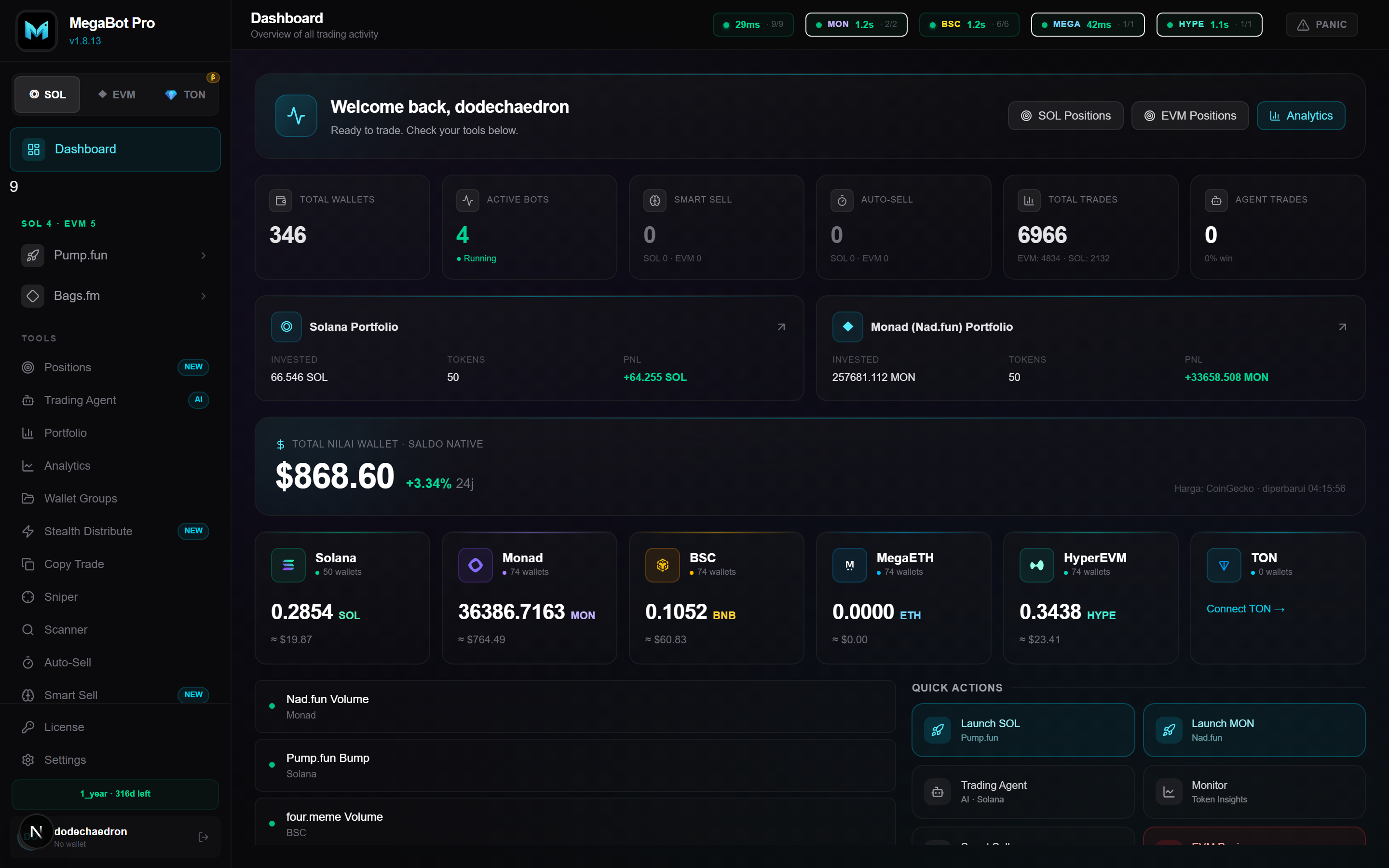
MegaBot Pro is a desktop trading suite for memecoins across six chains — Solana, Monad, BSC, MegaETH, HyperEVM, and TON. Launch tokens, run bots, automate exits, and manage everything from one app, with your keys staying on your machine.
What you can do
- Launch and bundle tokens in a single transaction
- Run volume and bump bots with anti-detection patterns
- Automate exits with Smart Sell, Panic Sell, and Mega Sell
- Copy trade, snipe launches, and detect rugs with AI scoring
- Track a unified USD portfolio across all six chains
Install & Login
MegaBot Pro runs as a desktop application on Windows and macOS. After purchasing a license, you receive a download link and an access key.
- Download the app from the link provided after purchase.
- Install and launch it. Windows may show a SmartScreen prompt — choose "Run anyway".
- Log in with your username and password, or paste your
KB-…access key. - You land on the Dashboard — your control center for all chains.
Wallets & Groups
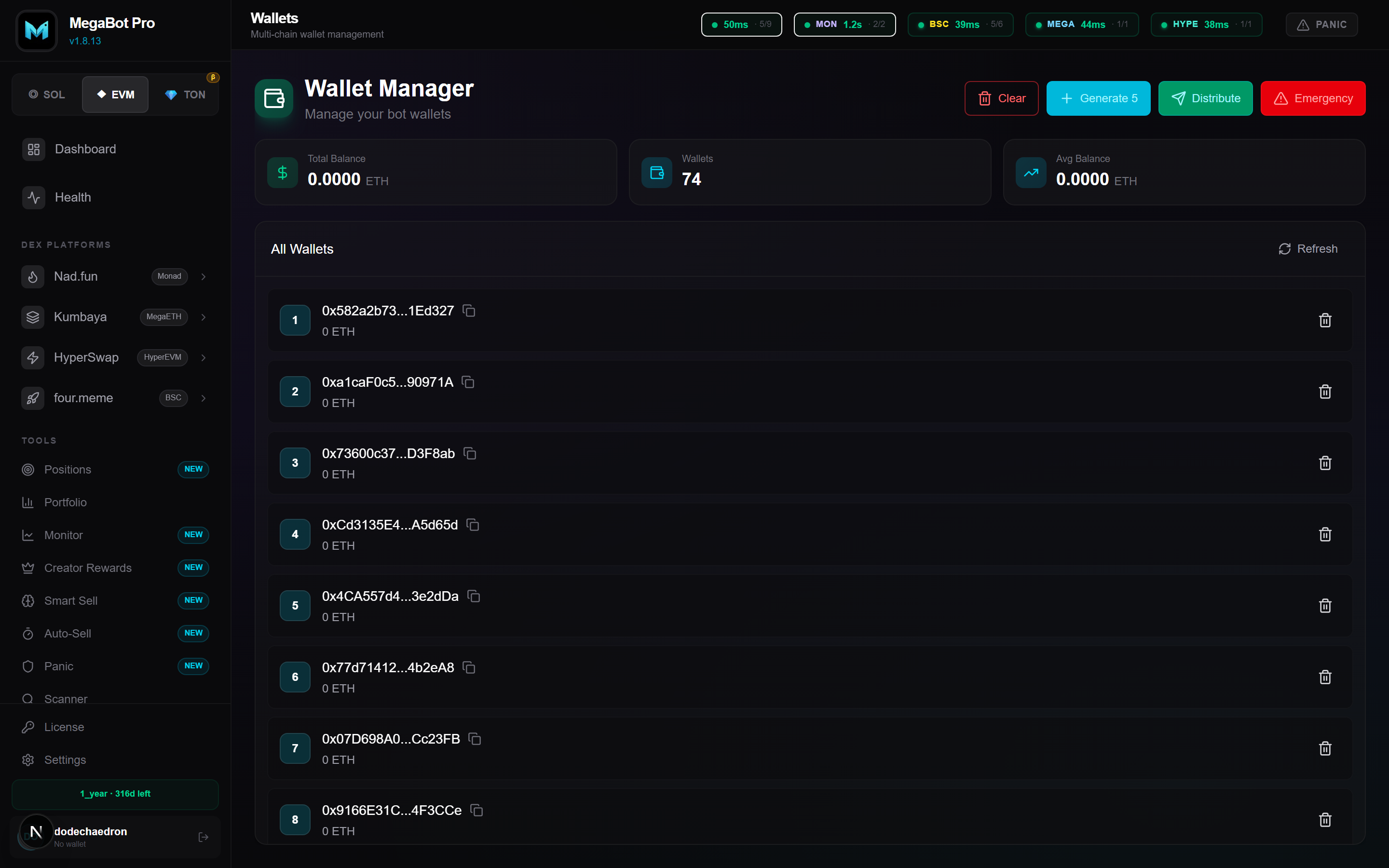
Wallets hold your funds and sign transactions. You can import existing wallets or generate new ones. Group wallets together to run bundles, volume, and bulk sells against a set of wallets at once.
Adding wallets
- Import — paste a private key (Solana base58, or EVM
0x…hex). The key is encrypted locally with AES-256. - Generate — create fresh wallets in bulk for bundling or distribution.
Groups
A group is a named set of wallets. Most tools accept a group so you can act on 5, 20, or 50 wallets in one click. EVM wallets are shared across Monad, BSC, MegaETH, and HyperEVM (same address works on all EVM chains).
RPC Configuration
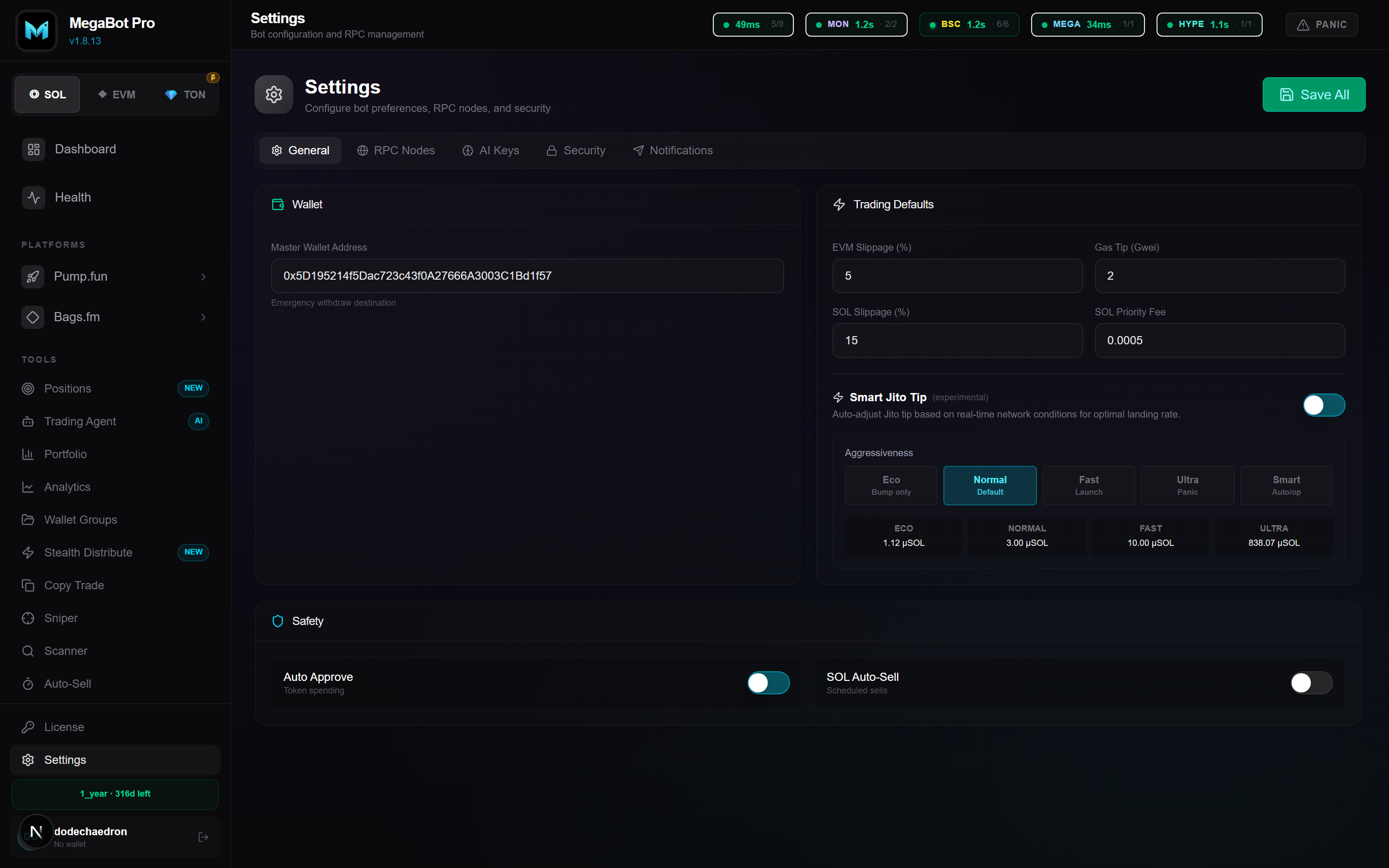
RPC endpoints connect the app to each blockchain. MegaBot ships with sensible public defaults, but adding your own endpoints improves speed and reliability. Configure them in Settings → RPC Nodes.
How it works
- Each chain accepts an ordered list of URLs. The first is primary; the rest are automatic failover backups.
- Every URL is validated on save (chain ID + latency) so a wrong-network endpoint can't break trading.
- A health indicator in the header shows latency per chain — green is good.
| Chain | Chain ID | Native |
|---|---|---|
| Solana | — | SOL |
| Monad | 143 | MON |
| BSC | 56 | BNB |
| MegaETH | 4326 | ETH |
| HyperEVM | 999 | HYPE |
| TON | — | TON |
Supported Chains
MegaBot trades natively on six chains. Each shows its native balance and live USD value on the dashboard, and the portfolio card sums everything into one total.




Solana
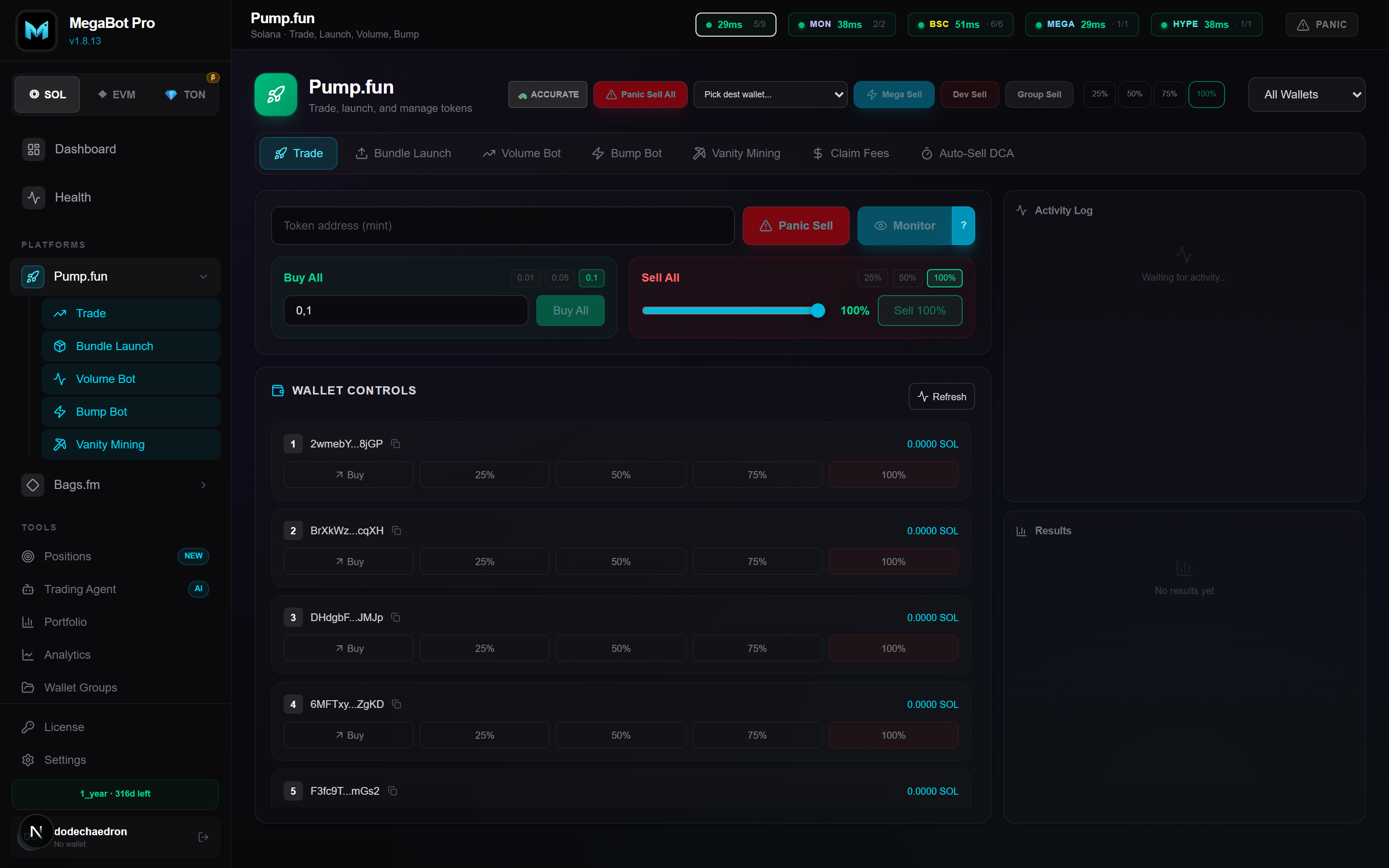
Solana is the flagship chain. It supports Pump.fun and Bags.fm launches, Raydium/Meteora/Jupiter routing, Jito bundles for same-slot execution, and the full tool set including the AI Trading Agent and GPU vanity mining.
429 Too Many Requests in logs, your RPC key is rate-limited — add more endpoints or wait for cooldown.Monad · BSC · MegaETH · HyperEVM
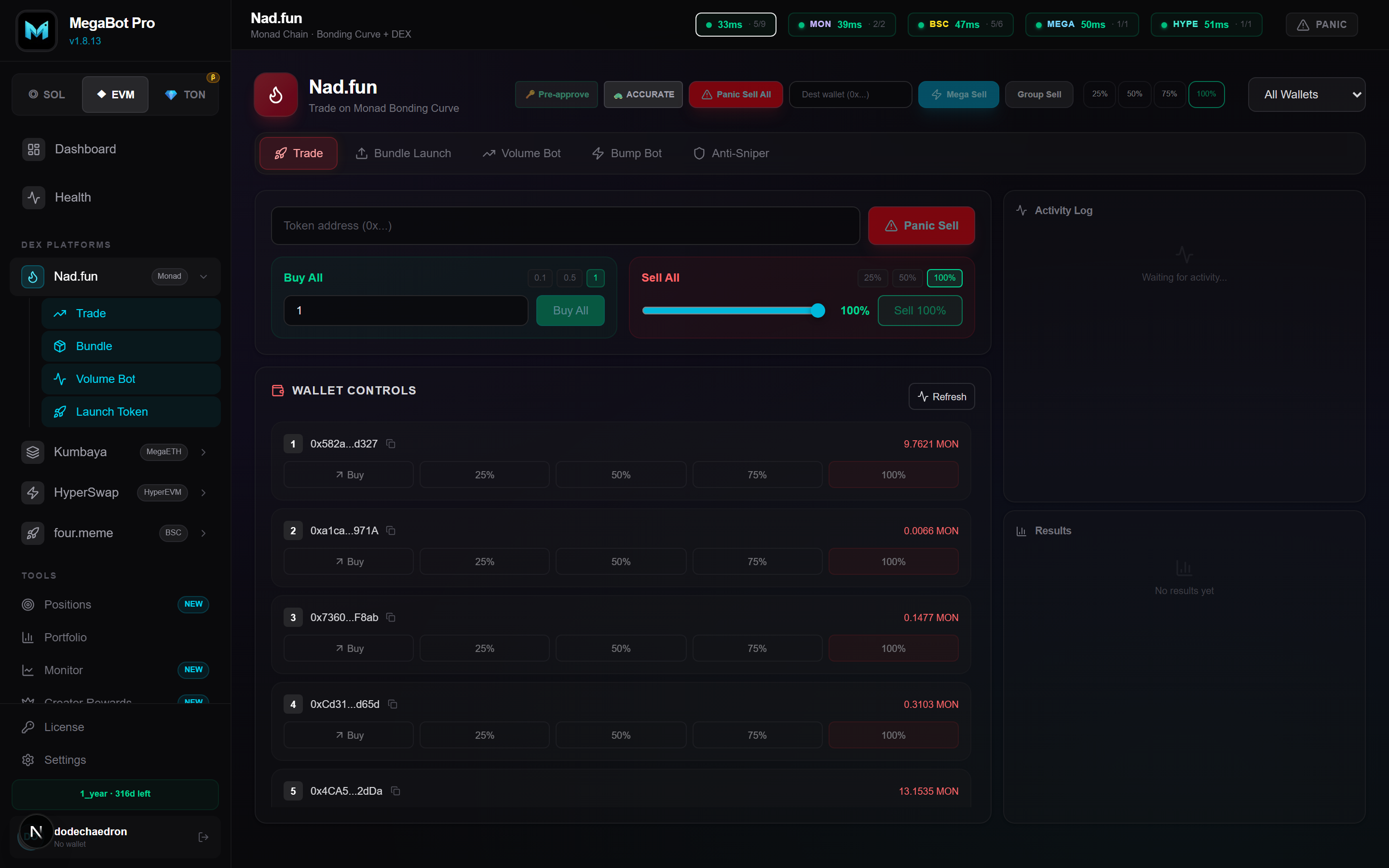
The four EVM chains share one wallet set (an address works on all of them) and a unified trading engine with fast-mode execution and automatic RPC failover.
- Monad — trade on Nad.fun (chain ID 143, native MON).
- BSC — trade on four.meme (chain ID 56, native BNB).
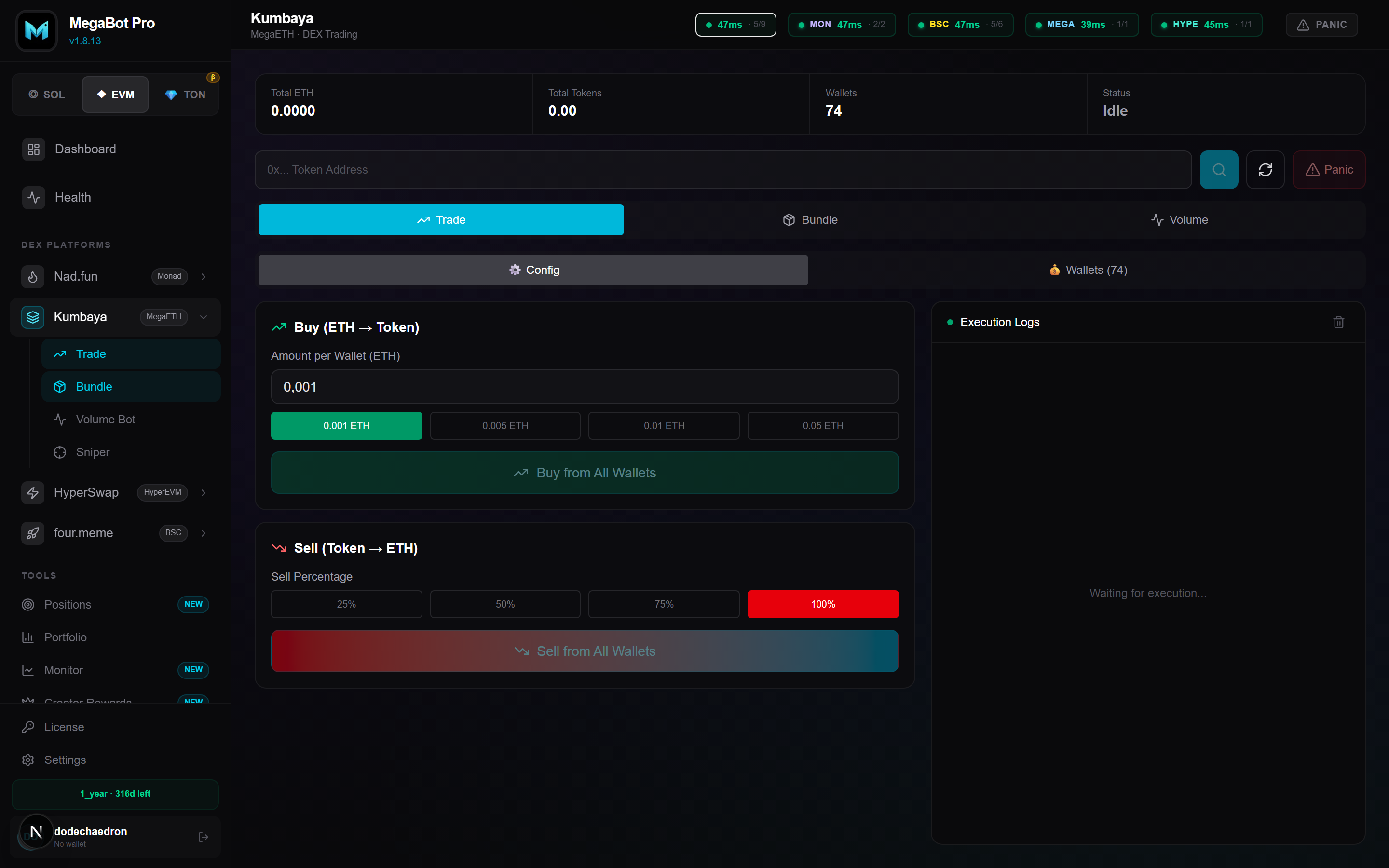
- MegaETH — trade on Kumbaya (chain ID 4326, native ETH).
- HyperEVM — trade on HyperSwap (chain ID 999, native HYPE).
TON
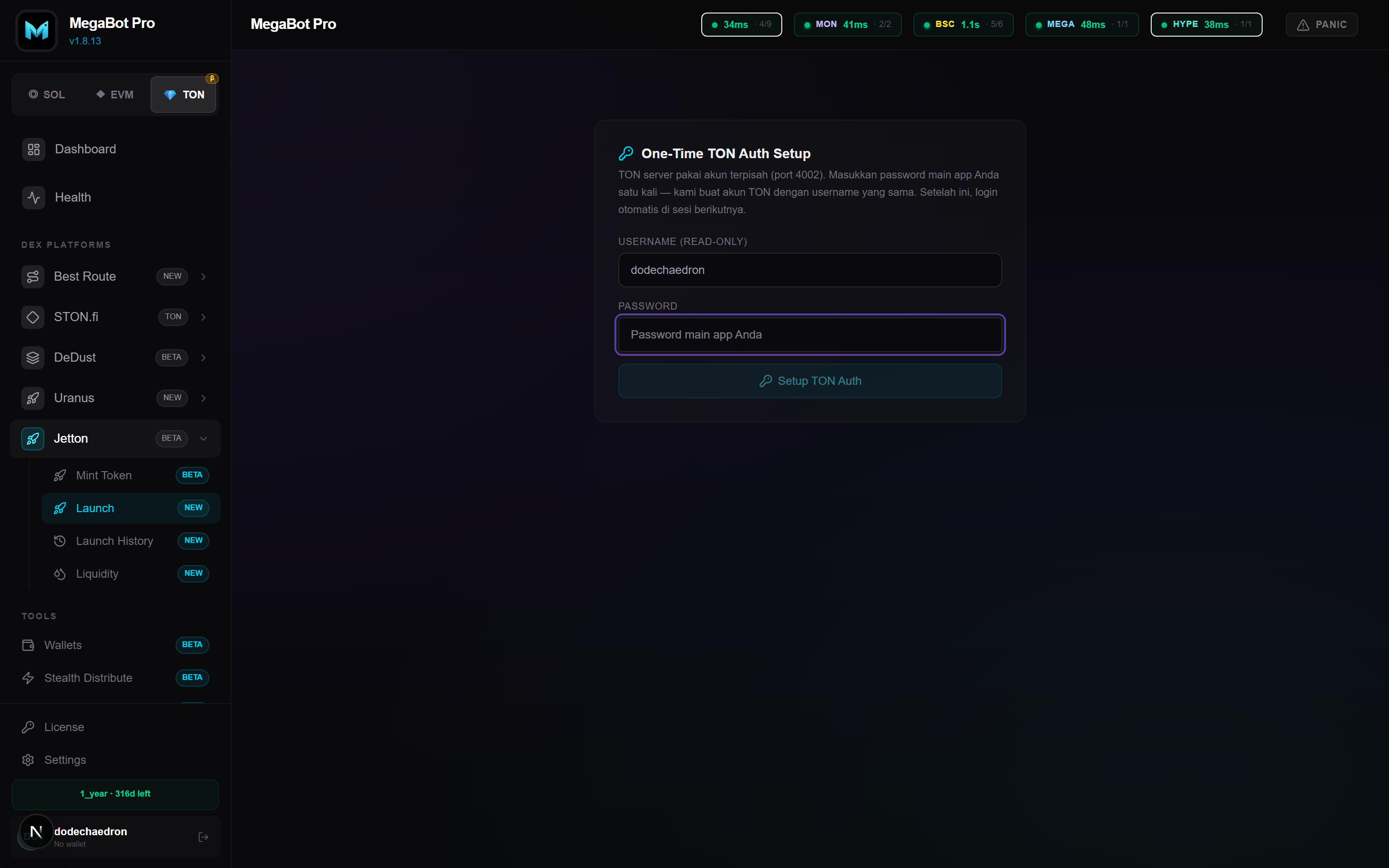
TON trading runs through StonFi and DeDust with launch, swap, sniper, mega/panic sell, and liquidity tooling. TON uses a separate authentication session inside the app; connect once and your balance appears on the dashboard.
Atomic Bundler
Bundle a token launch and buys from many wallets into a single atomic transaction so everything lands in the same slot/block — no front-runners between your launch and your buys.
- Fill in token details (name, symbol, image, socials).
- Pick a wallet group and set per-wallet buy amounts.
- Choose ordered (sequential) or parallel execution.
- Launch — the bundle deploys and buys together.
Bump Bot
Keeps a token active by making small, well-timed buys that adapt to the bonding-curve phase. Stealth patterns vary amount and timing to avoid simple bot-detection. Supports multiple wallet groups running in parallel.
Volume Bot
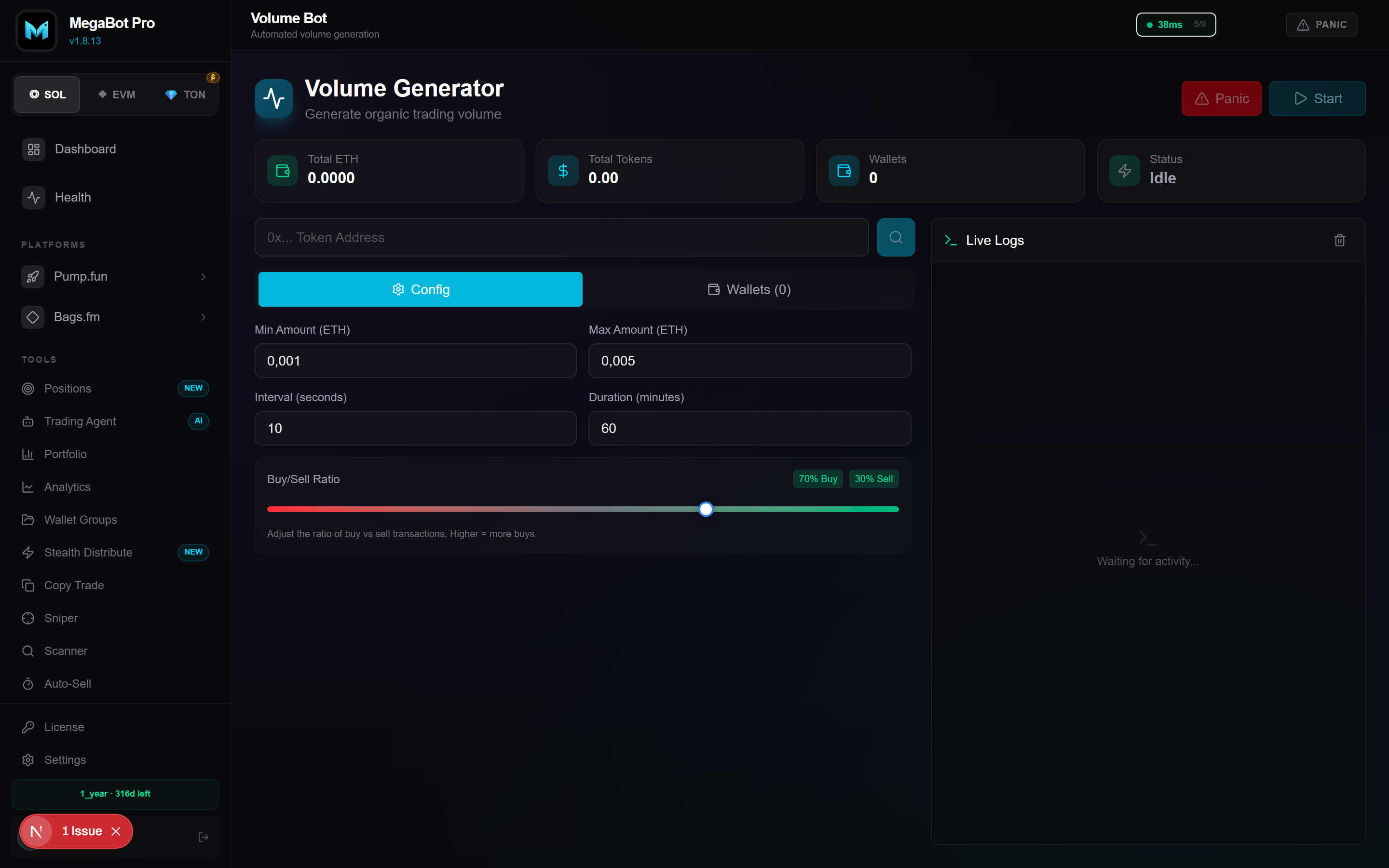
Generates organic-looking trading volume using cross-wallet sequences and randomized patterns that avoid wash-trade fingerprints. Configure min/max amounts, interval, duration, and buy/sell ratio per group.
Smart Sell
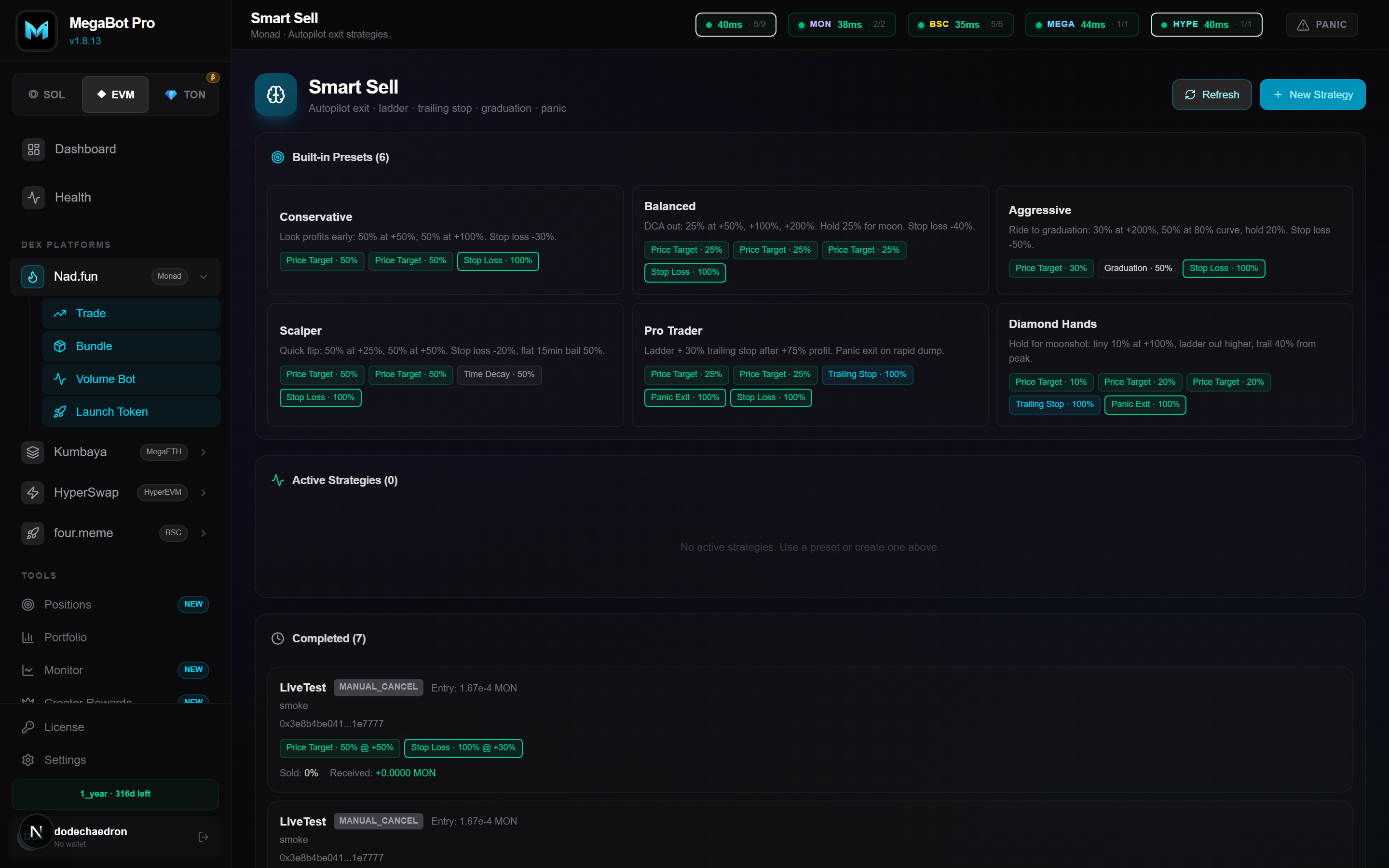
Automated exit strategy that watches your position 24/7 and sells on your rules. Combine multiple triggers on one position.
- Take Profit — sell a percentage at target gains (ladders supported).
- Stop Loss — exit if price drops below a floor.
- Trailing Stop — lock gains as price climbs, sell on pullback.
- Graduation — react when a token graduates the curve.
Copy Trading
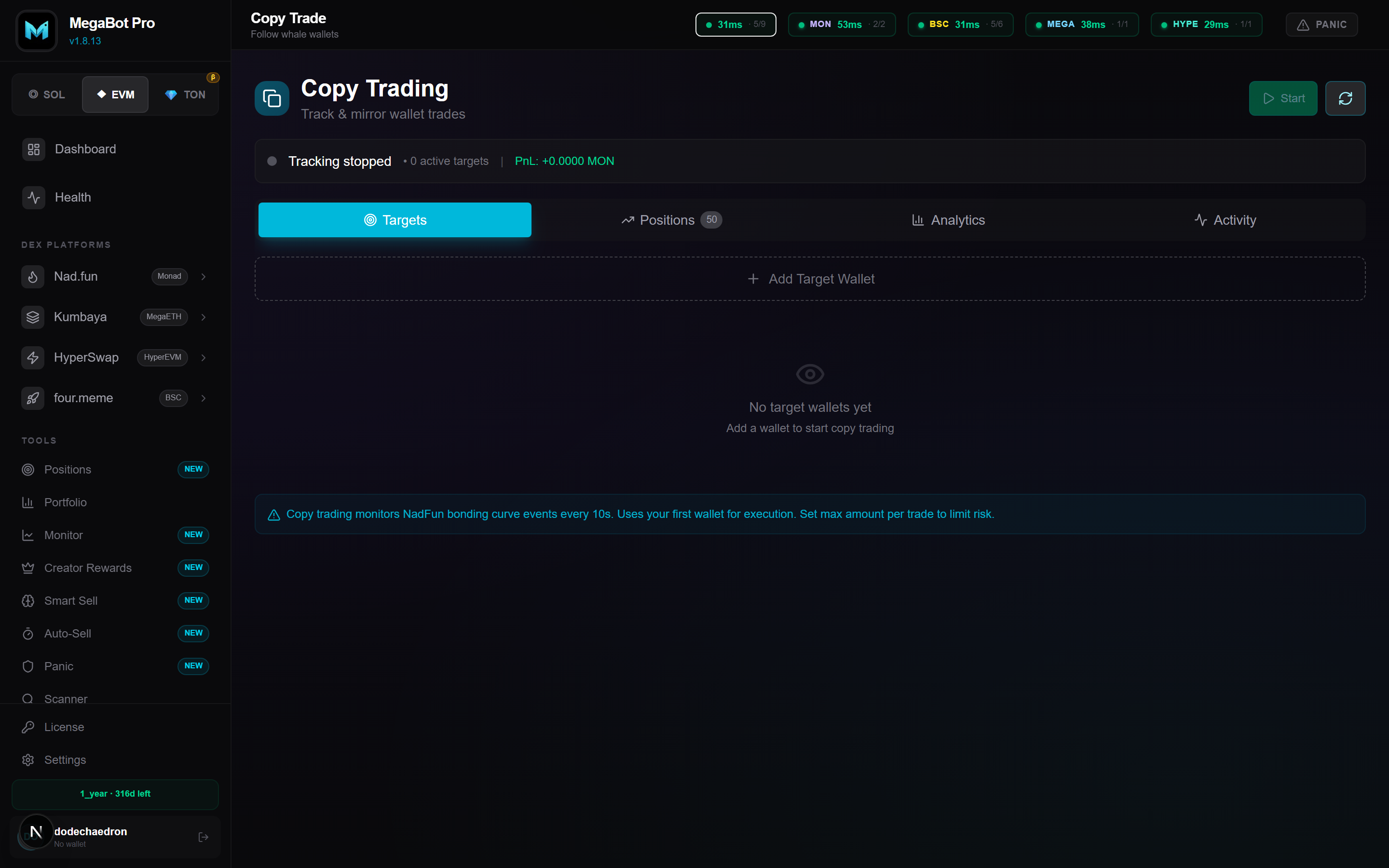
Mirror any wallet's trades automatically. Set size ratios and filters, discover smart-money wallets, and auto-follow entries and exits.
Sniper
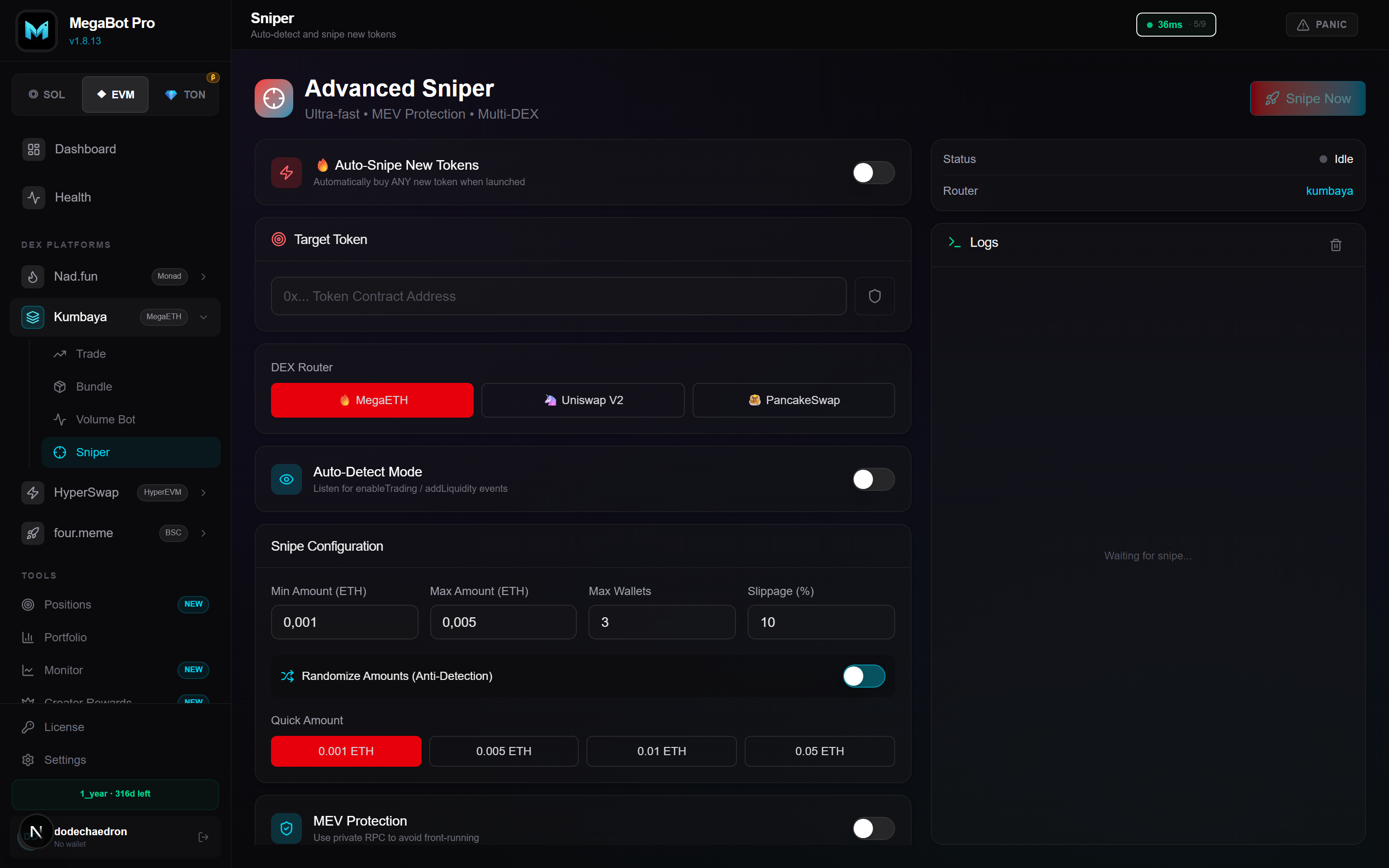
Auto-buy a token the moment it launches or hits your conditions. Set the target, amount, and slippage; the sniper fires as soon as liquidity appears.
Panic Sell
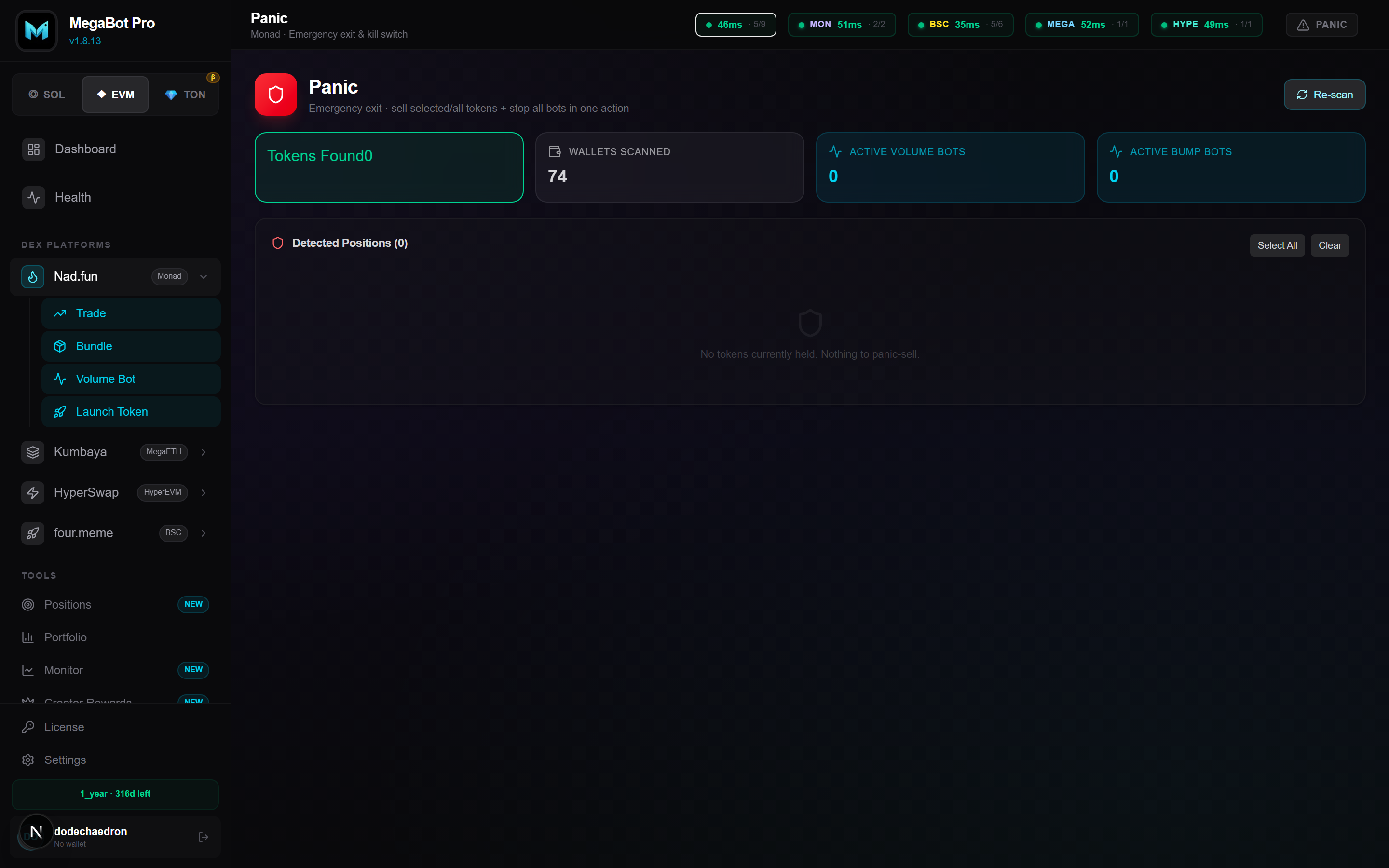
One-click emergency exit. Sells all tokens from all wallets as fast as possible — fire-and-forget execution returns in ~1–2 seconds while confirmations reconcile in the background.
Mega Sell
Sell holdings across many wallets, then sweep the proceeds (native coin) into a single destination wallet. A two-phase design maximizes reliability: sell first, then consolidate.
Stealth Distribute
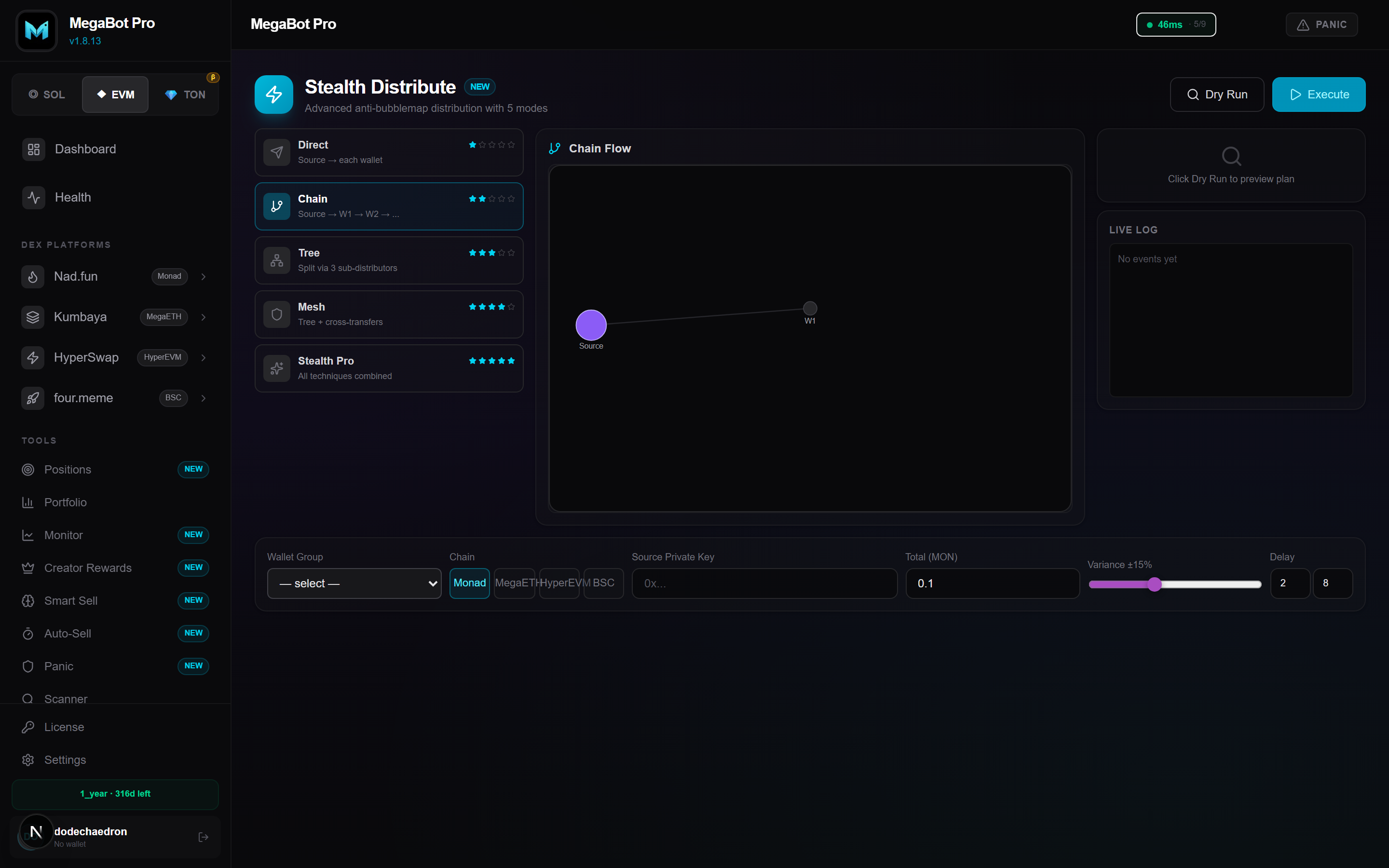
Distribute native funds to many wallets with anti-detection in mind — randomized amounts, timing, and routing so the spread doesn't look like a single automated batch.
Vanity Mining
Generate custom mint addresses (for example a "pump" suffix on Solana) using CPU or GPU cloud mining. Mined keys are stored encrypted and ready to use at launch.
Analytics
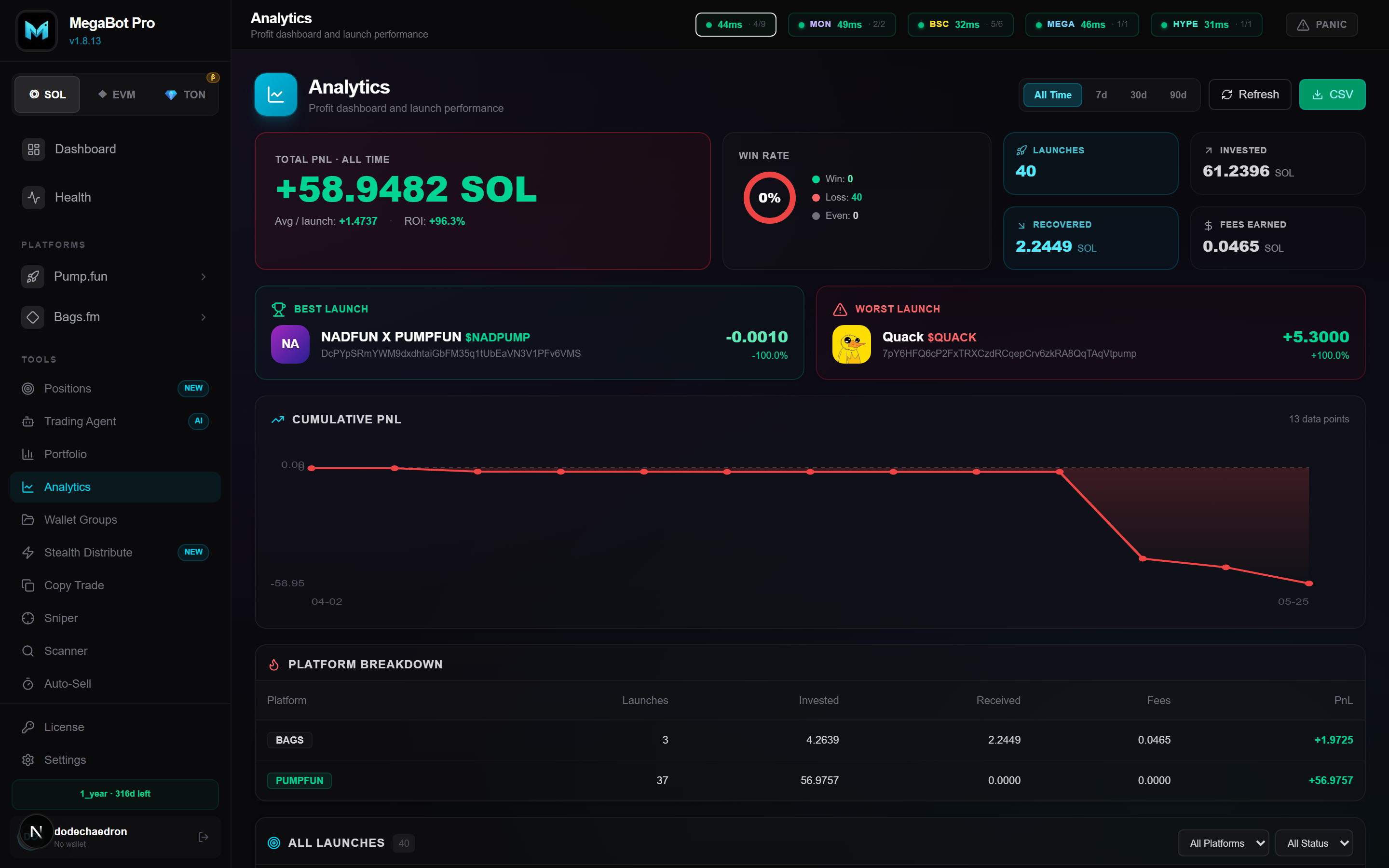
Full PnL tracking with win rate, per-chain breakdowns, charts, token logos, and CSV export. The dashboard also shows a live unified Total Wallet Value (USD) across all chains, priced from public market data.
Trading Agent
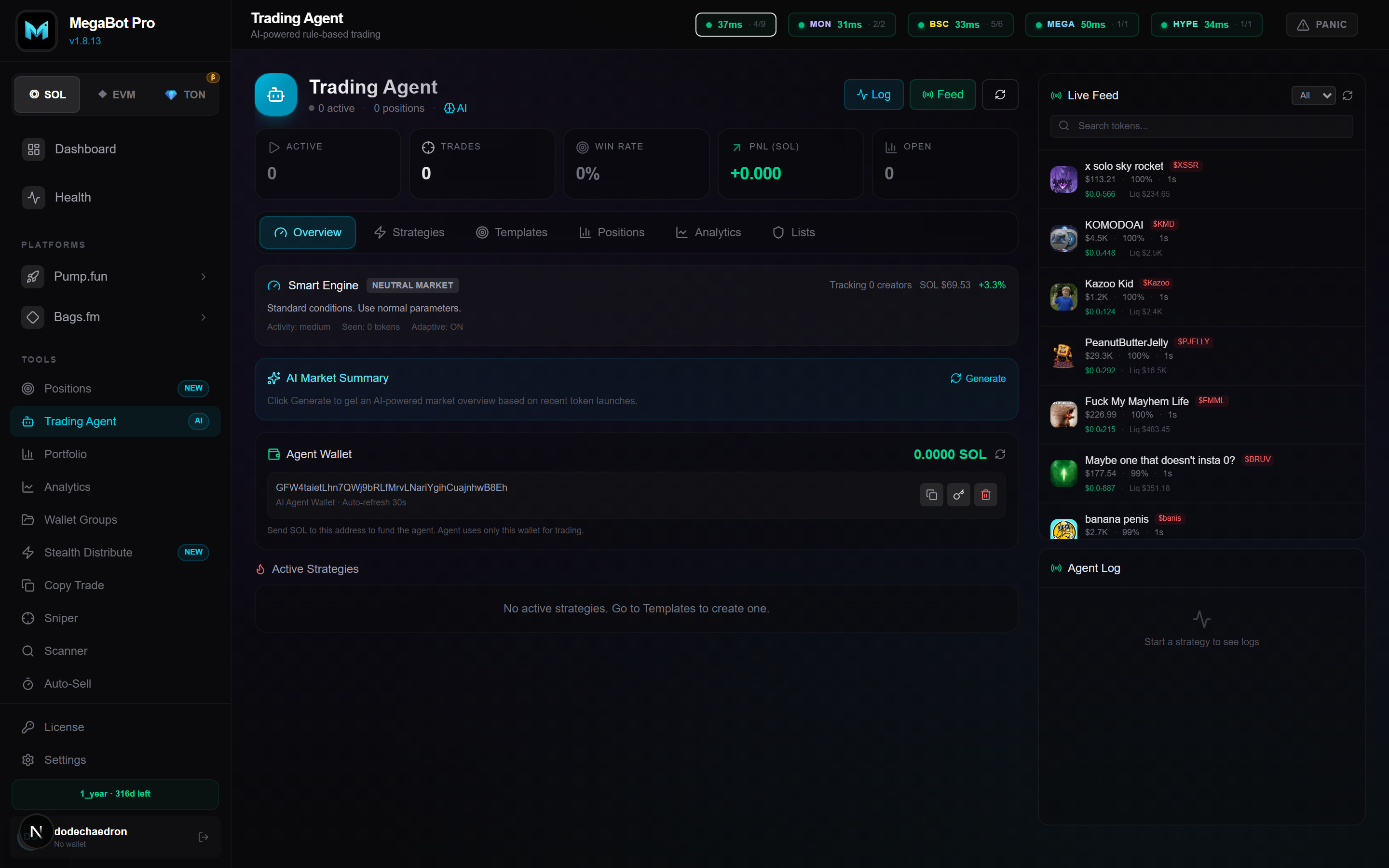
An autonomous AI agent (Solana) that scores a live feed of tokens and auto-enters and exits based on your configuration. Review its trades and performance from the agent dashboard.
Security
- Self-custody — private keys are encrypted with AES-256 and stored locally. They never leave your device.
- No fee skimming — MegaBot takes no per-trade cut; you trade directly through the chains' programs/contracts.
- RPC validation — endpoints are chain-ID checked on save so funds can't be sent to the wrong network.
- Access key — treat your
KB-…key like a password; regenerate it any time.
FAQ
Is my private key safe?
Yes. Keys are AES-256 encrypted and stored on your device only. MegaBot never transmits them to any server.
Do I need a paid RPC?
No. Free RPCs work. Add several per chain for better speed and failover.
Which platforms are supported?
Solana (Pump.fun, Bags.fm, Raydium, Meteora, Jupiter), Monad (Nad.fun), BSC (four.meme), MegaETH (Kumbaya), HyperEVM (HyperSwap), and TON (StonFi, DeDust).
How is the USD total calculated?
Native balances per chain are multiplied by live market prices and summed. Coins without a public price are excluded so the total stays accurate.
What payment methods are accepted?
SOL, USDT/USDC. Contact us on Telegram after choosing a plan for details.
Support
Need help? Reach the team directly:
© 2024–2026 MegaBot Pro. All rights reserved.